Bulk actions across production
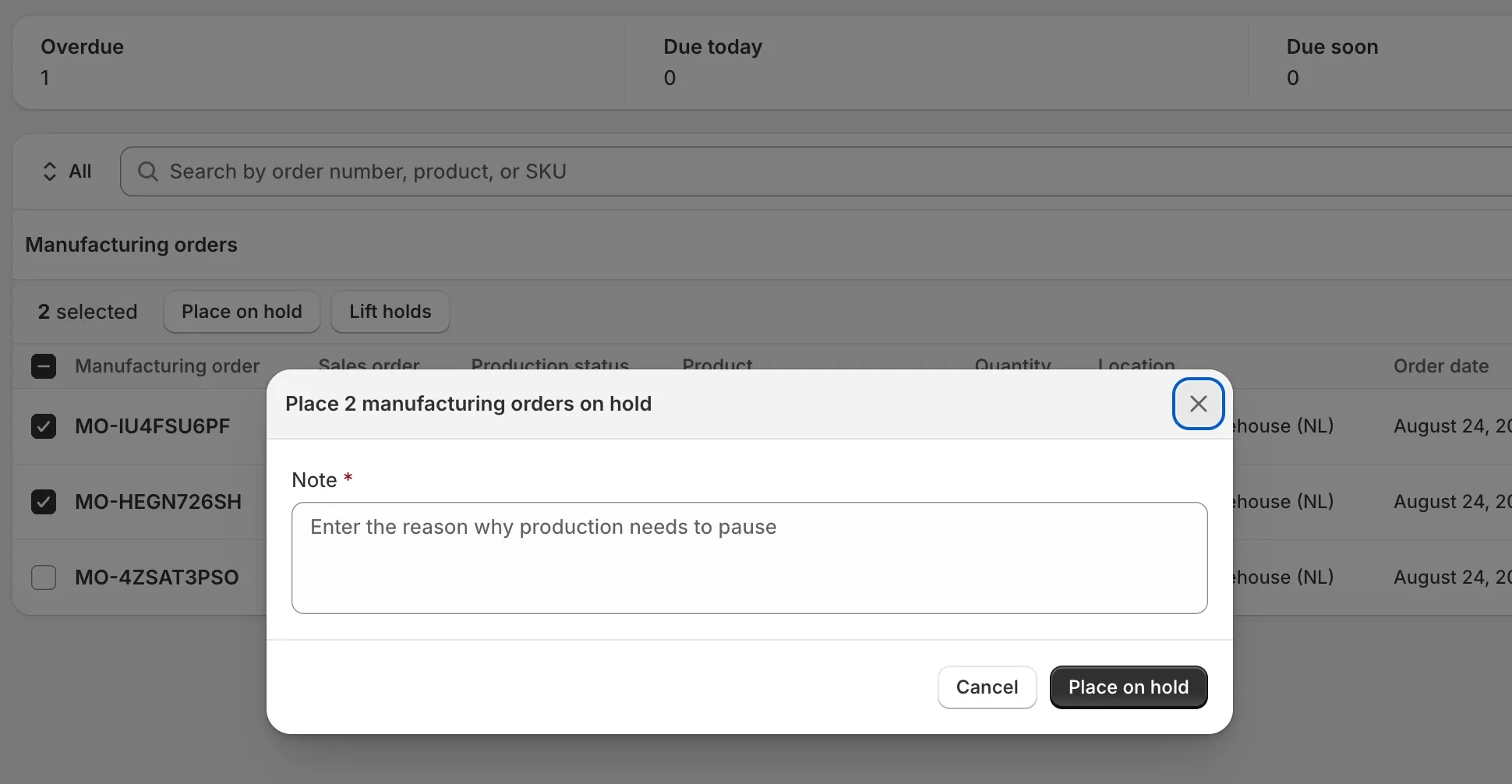
A fabric delivery slips and suddenly forty manufacturing orders need to go on hold at once. Clicking through them one at a time isn’t production planning, it’s data entry. The same friction shows up when you want to move a dozen products from Regular to Made to order, or fix the lead times on a variant table that’s grown to fifty rows.
A shared action bar now shows across products, variants, and manufacturing orders. Tick rows, and it slides up with the actions for whatever resource you’re standing on. Selection survives pagination.
Added
- Product variants: bulk edit lead times on selected variants. Select rows, and the lead time fields show up for everything you picked at once.
- Products: bulk change production strategy — Regular, Made to order, or Built on the fly — on the selected products. Before it happens, the app names how many bills of material that strategy change would delete.
- Manufacturing orders: bulk hold and lift hold. One Place on hold form lands a shared note on every selected order, and Lift holds resumes the ones that are paused. Rows that can’t take the action are skipped and named rather than failing the whole batch.
Changed
- The skip is loud, not silent. When you ask for a bulk hold or lift on rows that don’t qualify — an order that isn’t holding, or a variant that can’t be changed — the confirmation dialog lists them by number before it runs, and the preview line reads “Production resumes on N manufacturing orders” so you see which rows the batch will actually move before committing.
- Bulk holds and lead time edits wrap in a transaction, so a failure halfway through the selection doesn’t leave half the rows changed and half not.